
How to Upload Your Music to Spotify in 2026 (Step by Step)
Spotify does not accept direct uploads from artists. Even if you have a Spotify for Artists account, you can’t upload tracks from there. To publish your music you need a digital distributor that delivers your track to Spotify (and every other platform) on your behalf.
This guide covers the whole process — from prepping your files to seeing your song on your official profile.
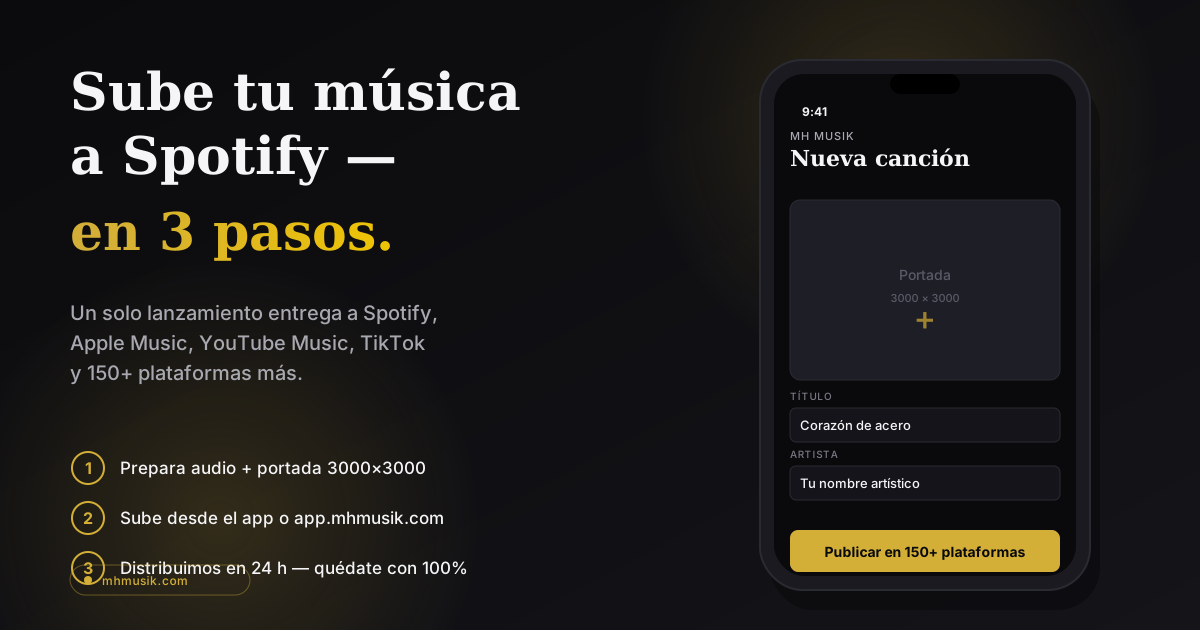
What you need before you start
- Master audio file: WAV or FLAC, 16-bit or 24-bit, 44.1 kHz or higher. MP3 doesn’t meet Spotify’s quality standard.
- Cover artwork: square, minimum 3000×3000 pixels, JPG or PNG, no social media logos or URLs, no copyrighted material you don’t own.
- Correct metadata: exact artist name, track title, real names of songwriters and producers.
- An account with a distributor (DistroKid, TuneCore, CD Baby, Mh Musik, etc.).
- Payment method for your plan or release.
If your track has features, collaborators or samples, you need cleared rights before uploading. Spotify can pull tracks with copyright claims and it affects your account.
Step 1: Pick a distributor
Every distributor charges differently and delivers on different timelines. Quick rundown:
- DistroKid / TuneCore: annual fee, unlimited distributions. If you stop paying, your music gets pulled from Spotify.
- CD Baby: one-time payment per release, no renewals — but they take a 9% commission on everything you earn.
- Mh Musik: monthly or annual VIP membership with distributions included, and you keep 100% of royalties. If you stop paying, your songs stay online at no extra cost.
Compare carefully. We wrote an honest comparison for independent artists that might help.
Step 2: Upload your track
Inside your distributor’s dashboard (web or app), you create a new release and upload:
- The master-quality audio file.
- The square cover artwork.
- Metadata: title, main artist name, featured artists, songwriters, producers, genre, subgenre, lyrics language.
- ISRC: a unique code per track. The distributor generates it automatically if you don’t have one.
- UPC: code for the full release (single, EP or album). Also generated by the distributor.
Double-check everything you type. Changing metadata after release is slow and sometimes impossible without taking down and re-uploading.
Step 3: Choose your release date
Recommendation: pick a date at least 3 weeks out. Two reasons:
- It gives Spotify (and editors) time to consider your song for editorial playlists.
- It lets you pitch your song inside Spotify for Artists (minimum 7 days notice required, but more is better).
Avoid releasing the same day as major artists in your genre — the algorithm has less “room” for new music.
Step 4: Claim your Spotify for Artists profile
Before or after your first release, go to artists.spotify.com and claim your official profile. You’ll need:
- A link to your Spotify artist profile (it appears once your distributor delivers the track).
- To confirm it’s you (Spotify verifies via social accounts or video).
With the profile claimed, you can:
- Change your artist photo and bio.
- See real stats (streams, monthly listeners, countries).
- Pitch your next releases to playlist editors.
Step 5: Pitch your next release
When you have the next release ready, log into Spotify for Artists and use the “Pitch a Song” feature. You write a short description (genre, mood, story behind the track) and Spotify editors evaluate it for possible editorial playlists.
No guaranteed inclusion, but it’s the only direct way to get a human inside Spotify to hear your song before it drops.
Common mistakes that delay your release
- Uploading with less than 21 days lead time (you lose the editorial pitch window).
- Cover art with the Instagram or TikTok logo (Spotify rejects it).
- Same title on multiple tracks with no differentiation — creates confusion on the profile.
- Putting featured artists in the track title (“My Song (feat. Someone)”) instead of using the featured-artists field. That’s what metadata is for.
- Not registering your compositions with a collection society (BMI, ASCAP, SoundExchange) — you leave publishing money on the table.
How long until your song appears
Depends on the distributor and whether you upload with lead time:
- With Mh Musik, distribution processes within 24 hours — but the appearance on Spotify depends on the date you chose.
- If you pick “as soon as possible,” most platforms show the release within 24–72 hours.
- For scheduled releases, it goes live exactly on the chosen date at 00:00 local time (varies by region).
Getting started
Ready to upload your first song to Spotify? Create your account on Mh Musik and pick a plan. We distribute to Spotify, Apple Music and 150+ platforms — and you keep 100% of royalties.